Gameshard
Gemini 3.5 Flash vs 3.1 Pro: Endless racer: eleven minutes against two
The same ChatGPT-written brief, handed to two Gemini builds. One spent eleven minutes on it and tested its own game; the other spent two and did not. Both run here.
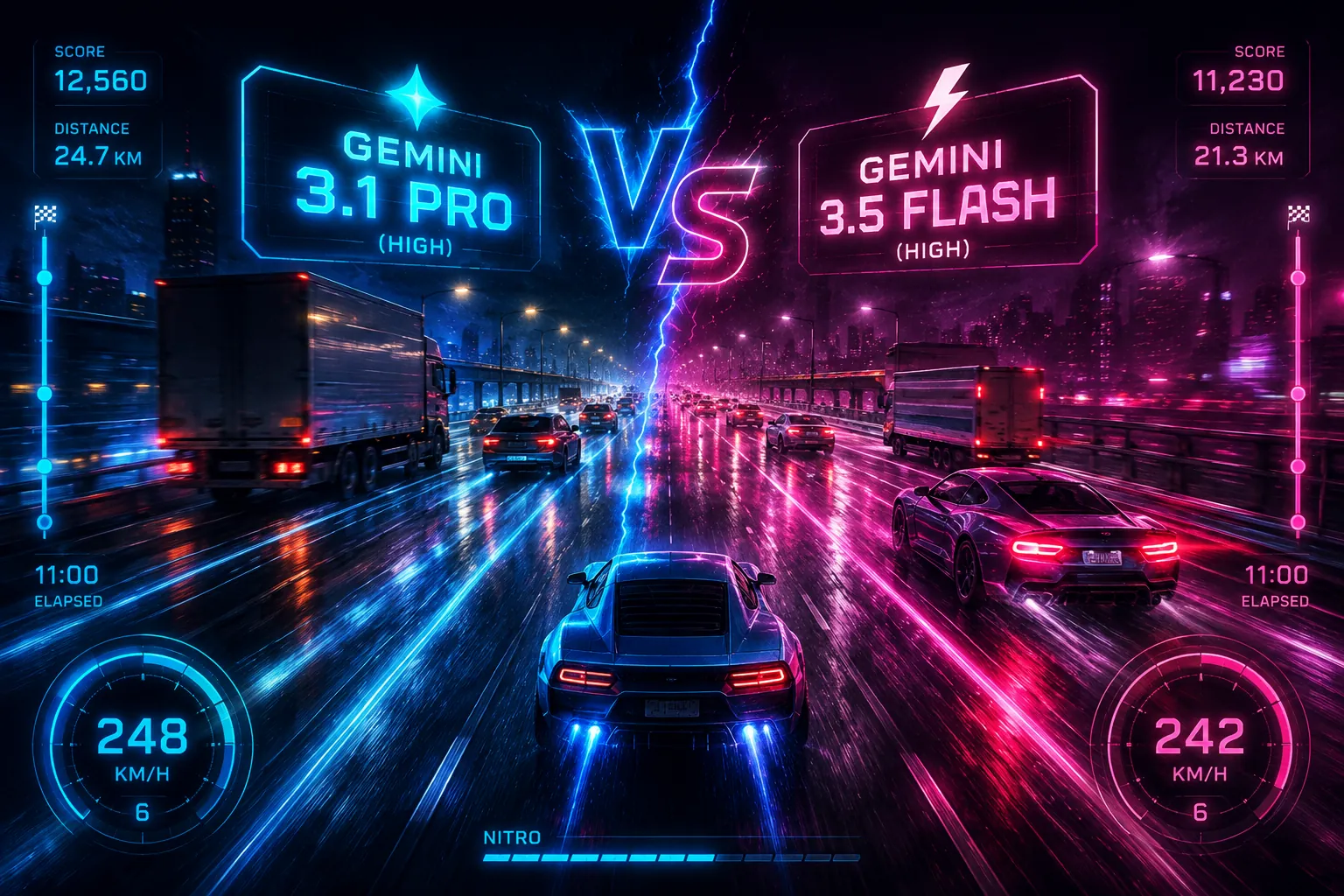
Gemini 3.5 Flash (High)vsGemini 3.1 Pro (High)
Quick result
Too close to call
Gemini 3.5 Flash (High)
Gemini
- Technical score
- 82
- Web app completion time
- 11m 0s
- Requirements met
- 9/11
Gemini 3.1 Pro (High)
Gemini
- Technical score
- 82
- Web app completion time
- 2m 0s
- Requirements met
- 9/11
The exact prompt
Prompt generated by chatgptWord for word, as both models received it
Create a complete, polished browser-based car game using only HTML, CSS, and vanilla JavaScript. The final game must run by opening a single `index.html` file in a modern desktop browser, with no external libraries, frameworks, servers, or build tools required.

## Game Concept: Neon Highway Rush

Create a fast-paced endless arcade driving game viewed from a top-down / slightly pseudo-3D perspective. The player drives a sports car on a busy nighttime highway and must survive as long as possible while avoiding traffic, collecting coins, and increasing their score.

The game should feel responsive, visually attractive, easy to understand, and progressively harder.

## Core Gameplay

The player's car starts near the bottom center of the road.

Controls:
- Left Arrow or A: move left
- Right Arrow or D: move right
- Up Arrow or W: accelerate
- Down Arrow or S: brake
- Space: temporary nitro boost
- P or Escape: pause/unpause
- R: restart after game over

The road continuously scrolls toward the player to create the illusion of forward movement.

Traffic cars should spawn ahead of the player and move toward the bottom of the screen.

The player must dodge traffic without leaving the road.

Collision with another vehicle causes a crash and ends the current run.

## Driving Feel

Make the movement smooth instead of moving the car instantly between lanes.

Include:
- acceleration
- braking
- maximum speed
- steering sensitivity
- slight momentum
- friction
- speed-dependent steering behavior

At high speed, steering should feel slightly more sensitive and dangerous.

Do not make the controls overly realistic. The game should prioritize fun arcade gameplay.

## Road

Create a multi-lane highway with approximately 4 lanes.

Include:
- animated dashed lane markings
- roadside barriers
- dark asphalt
- neon city lights or distant buildings
- street lights
- subtle road reflections
- moving roadside scenery

The environment should create a strong sense of speed.

Roadside objects should scroll faster when the player's speed increases.

## Traffic System

Generate different traffic vehicles such as:
- normal cars
- sports cars
- vans
- trucks

Vehicles should have different:
- sizes
- colors
- speeds
- spawn frequencies

Some vehicles should drive slower than others.

Avoid impossible traffic formations. The player should almost always have a possible escape route.

Traffic density should gradually increase as the score rises.

## Scoring

The player earns score continuously based on:
- distance traveled
- current speed
- survival time

Give bonus points for dangerous overtakes.

For example, when the player passes very close to another vehicle without crashing, briefly display:

"NEAR MISS +250"

Coins should occasionally appear on the road.

Collecting coins should increase a separate coin counter.

## Nitro System

The player has a nitro meter.

Holding Space activates nitro if enough energy is available.

Nitro should:
- increase maximum speed
- increase acceleration
- create a stronger camera shake
- add glowing exhaust effects
- increase motion streaks
- slightly change the engine sound if audio is implemented

Nitro energy should slowly regenerate when not being used.

Display the nitro level clearly in the HUD.

## Difficulty Progression

Gradually increase difficulty as the player survives.

Increase:
- traffic density
- traffic speed
- player maximum speed
- frequency of challenging traffic patterns

Difficulty progression should feel smooth rather than suddenly becoming unfair.

Every major score milestone can briefly display messages such as:

"TRAFFIC LEVEL 2"

"TRAFFIC LEVEL 3"

## Visual Style

Use a stylish neon-night aesthetic.

Suggested visual direction:
- dark highway
- blue and purple neon lighting
- red tail lights
- white headlights
- glowing UI elements
- subtle shadows
- smooth animations
- lightweight particle effects

The player's car should visually stand out from traffic vehicles.

Create the vehicles using CSS, HTML elements, canvas drawing, SVG, or a combination of these techniques.

Do not require external image assets.

If necessary, create simple stylized cars procedurally with CSS or Canvas.

## Camera Effects

Add subtle effects to improve the feeling of speed:

- small camera shake during collisions
- stronger shake during nitro
- motion lines at high speed
- slight screen vibration when driving extremely fast
- brief flash during near misses
- crash particles during collisions

Keep these effects tasteful and avoid making the game difficult to see.

## HUD

Display a clean game HUD containing:

- Score
- Speed in km/h
- Coins
- Nitro meter
- Best score

Example:

SCORE: 12,450
SPEED: 218 KM/H
COINS: 37
NITRO: ███████░░░
BEST: 38,920

The HUD should remain readable without blocking gameplay.

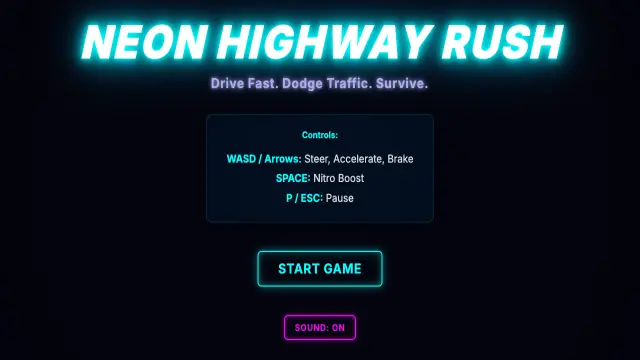
## Start Screen

Create an attractive title screen before gameplay begins.

Game title:

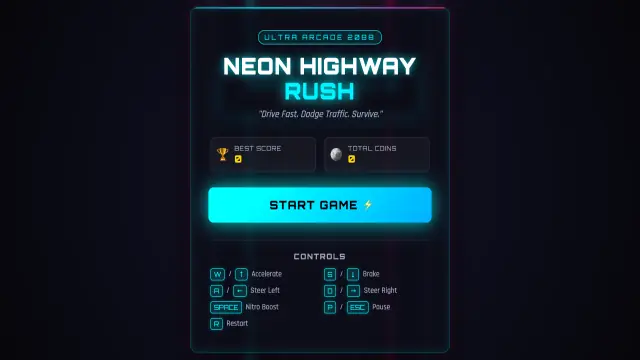
NEON HIGHWAY RUSH

Subtitle:

"Drive Fast. Dodge Traffic. Survive."

Include a large:

START GAME

button.

Also show the controls.

Add a subtle animated highway or moving neon background behind the menu.

## Countdown

When starting a run, display:

3

2

1

GO!

The player should not be able to move before "GO!".

## Pause Menu

When paused, darken the game slightly and display:

PAUSED

RESUME
RESTART
MAIN MENU

## Game Over Screen

When the player crashes, briefly show a satisfying crash effect, then display:

CRASHED!

Score
Best Score
Distance
Coins Collected
Near Misses

Provide buttons for:

PLAY AGAIN
MAIN MENU

If a new high score is achieved, display:

NEW HIGH SCORE!

## Persistent Data

Use `localStorage` to save:

- best score
- total collected coins

The data should remain available after refreshing or reopening the browser.

## Audio

If practical, generate lightweight audio using the Web Audio API rather than external files.

Possible sounds:
- engine hum
- acceleration
- nitro
- coin pickup
- near miss
- crash
- menu click

Include a small sound on/off button.

The game must still function correctly if browser autoplay restrictions prevent sounds from starting automatically.

## Responsive Design

The game should work well on common desktop screen sizes.

Maintain a centered game area and scale intelligently when the browser window changes size.

Prevent the page itself from scrolling while playing.

## Code Quality

Organize the JavaScript clearly.

Use logical structures such as:

- Game state manager
- Player class/object
- Traffic vehicle system
- Collision system
- Spawn manager
- Particle system
- Input manager
- UI manager

Add useful comments for important gameplay systems.

Avoid unnecessary complexity and avoid extremely repetitive code.

## Performance

Target smooth gameplay around 60 FPS.

Use `requestAnimationFrame()` for the game loop.

Remove traffic objects, particles, coins, and effects when they leave the playable area.

Avoid unnecessary DOM creation every frame.

Canvas is preferred for the main gameplay rendering if it improves performance.

## Important

Do not create a simple prototype.

Create a complete playable arcade game with polished menus, progression, effects, scoring, collision detection, restart logic, persistent high scores, and satisfying driving mechanics.

Everything should be implemented and playable immediately.

Return the complete source code.

If you decide to separate the project into `index.html`, `style.css`, and `game.js`, provide the full contents of all files clearly.

Do not leave placeholders such as:
"add car logic here"
"implement later"
"TODO"

Every important feature described above should actually work.
Scroll inside the box for the rest of the brief.
Automated test results
9 of 11 cleared by every entryRequirements met
| Requirement | Gemini 3.5 Flash (High) | Gemini 3.1 Pro (High) |
|---|---|---|
| Actually draws something when opened | Met | Met |
| Rendered with HTML5 Canvas | Met | Met |
| requestAnimationFrame game loop | Met | Met |
| Keyboard controls: arrows or WASD, space for nitro | Met | Met |
| Pause and restart keys | Not met | Not met |
| Nitro meter that drains and regenerates | Met | Met |
| Near-miss bonus when passing close | Met | Met |
| Collectable coins with their own counter | Met | Met |
| Best score kept between sessions | Met | Met |
| Sound generated in code, no audio files | Met | Met |
| No external assets, libraries or CDNs | Not metRequests fonts.googleapis.com, fonts.gstatic.com | Not metRequests fonts.googleapis.com |
Measured, not judged
Automated checks
Gemini 3.5 Flash (High)
Gemini 3.5 Flash (High) · web app
- Total size
- 62.0 KB
- Painted area
- 1.8%
- Files produced
- 3
- Outside requests
- fonts.googleapis.com, fonts.gstatic.comfailed
- Technical score
- 82
Gemini 3.1 Pro (High)
Gemini 3.1 Pro (High) · web app
- Total size
- 32.8 KB
- Painted area
- 2.7%
- Files produced
- 3
- Outside requests
- fonts.googleapis.comfailed
- Technical score
- 82
Timings are measured in each provider’s consumer web app, so they include network and interface conditions — they are not model inference latency.